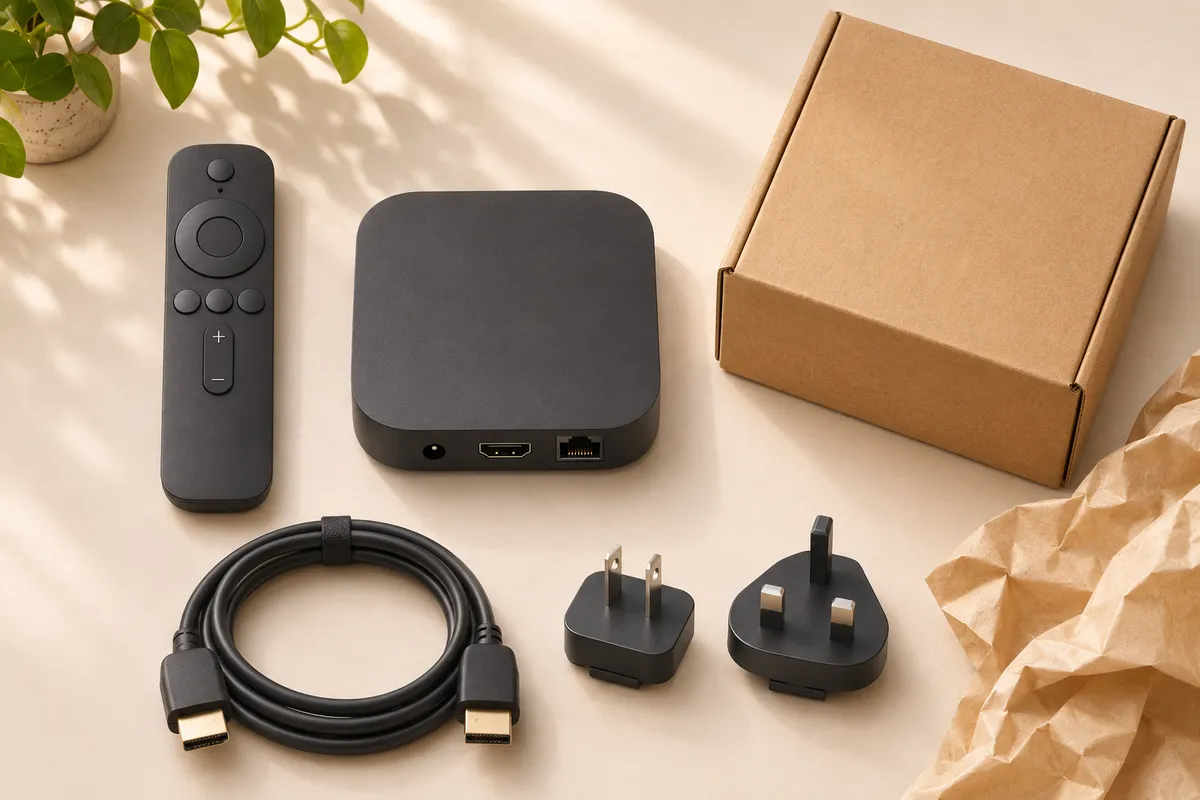
Will this TV box work in my country? An imported streaming box can work if its power supply suits your home, your TV accepts its output, and the services you watch support that model where you live. If you also want channels from an antenna or satellite dish, add one more requirement: a compatible tuner.
Start with the programme you would be most disappointed to miss. A box can play YouTube perfectly and still be the wrong purchase if you bought it for a particular sports app or local channel. Keep the product listing open as you work through these seven checks.
Before you order
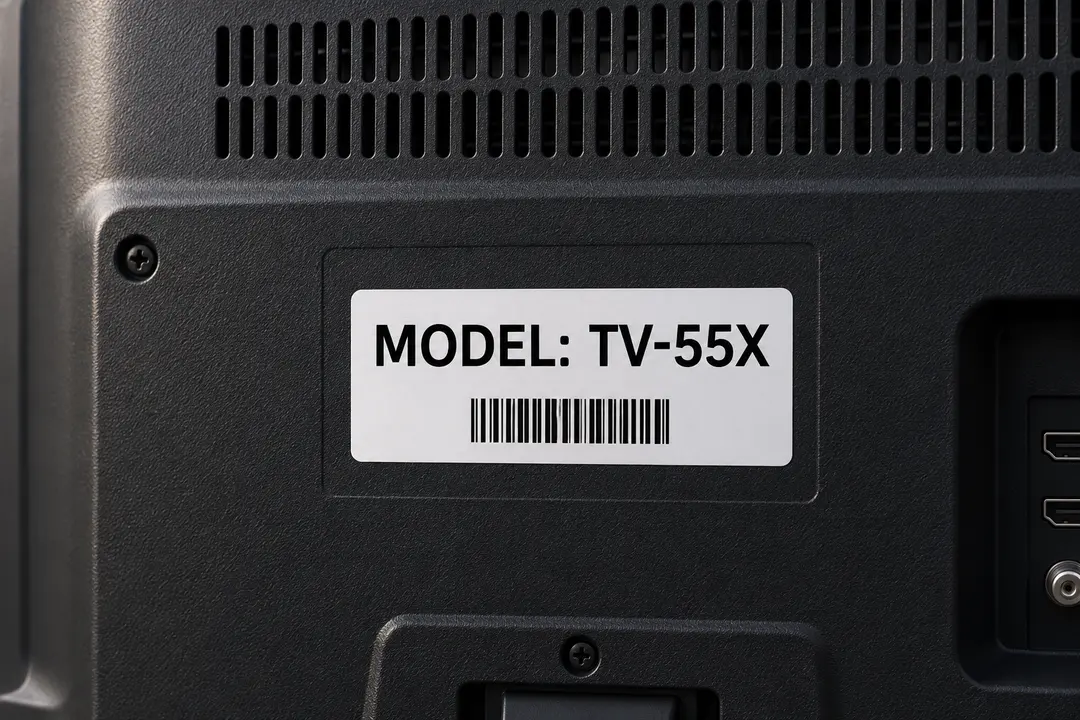
1. Get the exact model number
To answer “Will this TV box work in my country?”, get the model code and regional suffix from the actual retail box. Two listings can use the same family name, case design and product photo while offering different connections or accessories. Select the variant you plan to order, then look up that complete code on the manufacturer’s support site.
Write down the model of your television as well. Its manual will settle questions about available inputs and supported video formats. If you already own a smart TV, see whether the app you need runs on it before buying another player. Our TV platform identification guide explains how to distinguish the TV’s own Home screen from the screen of an attached box.
2. Check your must-have apps
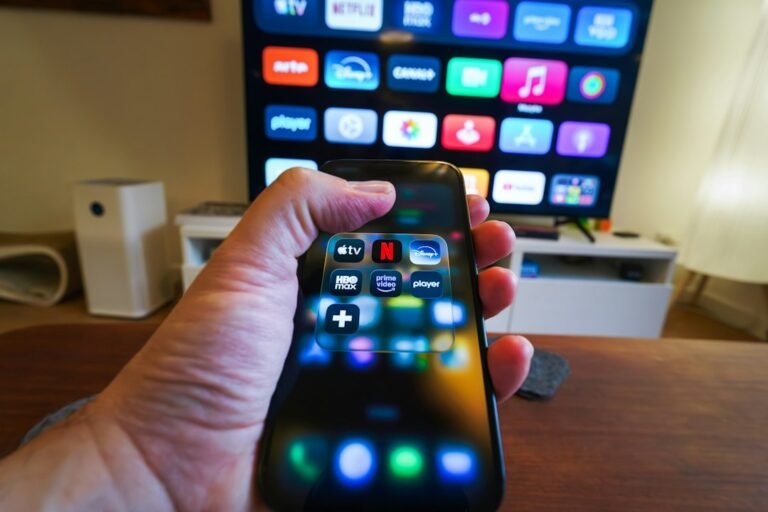
Make a short list of the services you actually pay for. For each one, open its supported-device page for the country where you will watch. Check the exact player or operating system, the subscription you have and any separate requirements for live channels. An app running on your phone is a useful starting point, but you still need confirmation for the TV version.
Take a Canadian viewer considering a US-market box for one sports service. A useful question for the provider is “Will this TV box work in my country for live games on my Canadian plan?” Include the model number and the name of the sports package. A seller’s photo of the US home screen cannot answer that. Google also explains that the Google TV experience varies by country and language.
3. Match the tuner to your signal
For internet streaming, check app support. For an antenna (also called an aerial), check the terrestrial broadcast standard. For a dish, check the satellite tuner, the broadcaster’s reception details and any subscription equipment rules. HDMI is the output to the television. Seeing it in a listing tells you nothing about which broadcast signals the box can receive.
Europe: Check the country and broadcaster individually. For UK aerial channels, for example, Freeview can check availability by postcode. For a dish, look up the broadcaster’s satellite details. DVB-T2 and DVB-S2 identify terrestrial and satellite systems respectively in the DVB specifications catalogue.
United States: For local antenna television, start with the FCC reception map. Check the stations serving your location, then compare the format you want with the tuner in the TV or receiver. For a cable or satellite subscription, ask the operator which equipment it supports.
Canada: Check for ATSC 1.0 support when shopping for a receiver for regular over-the-air digital broadcasts. Be especially careful with imported products sold as “digital terrestrial receivers”: that description alone leaves out the standard. Canada’s digital television broadcasting rules identify the system used.
4. Read the power supply label
Ask for a readable photo of the supplied power adapter. Find the line marked Input. Compare its voltage range and frequency with the local electricity supply. For example, a label stating “100–240 V, 50/60 Hz” gives you actual limits to compare. A listing that only says “US plug” tells you the shape of the plug.
A plug adapter changes the physical connection. It does not convert voltage or frequency. If the supplied unit is incompatible or its label is unreadable, ask the manufacturer for its approved local power supply or choose the local bundle. Electrical Safety First explains how to read these ratings.
5. Verify the HDMI path for 4K
“Will this TV box work in my country for Netflix in 4K?” is a more specific question than whether the app opens. Decide what picture quality you are paying for. For the second case, follow the complete route: streaming plan, app, player, HDMI connection and display. If you run video through an AV receiver or soundbar, check that device too.
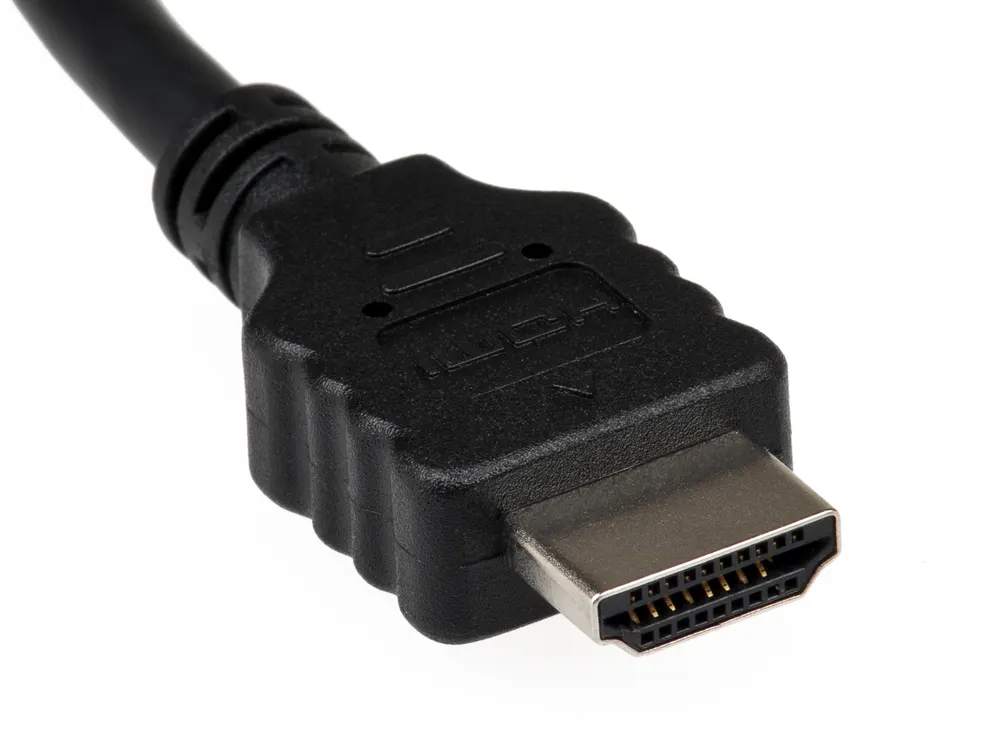
For a concrete example, Netflix’s NVIDIA Shield TV guide specifies a compatible plan and a TV port supporting HDCP 2.2 or later for Ultra HD. Check the equivalent page for your player. A large “4K” logo on its packaging cannot confirm the capabilities of the rest of your setup.
6. Check the connections you will use
Picture where the box will sit. If the television is in a room with poor Wi-Fi and you plan to use wired networking, check for Ethernet on the exact model. If the seller offers an optional network adapter, include that accessory when comparing prices. If your setup relies on a particular soundbar connection, check the port diagram in the manual before ordering.
Also check the features you will use every day. For a bilingual household, verify the interface language and the audio or subtitle options in the apps you care about. If a relative relies on captions, ask about the specific live service they watch. A language setting in the box menu answers a different question from captions on a live channel.
7. Price the return before you buy
Compare the delivered price with the local version, including shipping, any charges shown at checkout and the accessories you need. Then check the return address. An overseas return that you must pay for can wipe out a small saving, especially if you only discover the app limitation after opening the box.
Send one concrete question before ordering: “Will this TV box work in my country with [app or broadcaster]? I live in [country] and will connect model [code] to [TV model]. Can you confirm support, the supplied power adapter and whether I can return the opened unit if that feature is unavailable?” Save the written answer with the listing. If the seller can confirm only that the device powers on, treat your main requirement as unresolved.
Will this TV box work in my country? The buying decision
Buy when you can match the exact model to your must-have service, your TV and your local power supply. If two boxes pass those checks, compare their price and everyday features using our Android TV box buying guide. Once yours arrives, use the setup walkthrough and test your most important app while the return window is open.
Will this TV box work in my country? Frequently asked questions
Will this TV box work in my country if the seller calls it a “global version”?
Ask for the regional model number and a photo of the power label. Then check that exact model with the streaming service or broadcaster you plan to use. A listing that confirms only the menu language leaves both power and playback compatibility open.
Can I buy a box in the US and use it in Canada?
For streaming, check the Canadian version of your most important app. Give the provider the US model code and ask whether its Canadian subscription supports live playback on that device. For antenna channels, check the tuner separately.
Will this TV box work in my country with just a plug adapter?
Read the Input line on the supplied power unit first. A plug adapter can solve a plug-shape mismatch when the rated voltage and frequency already cover your local supply. App availability and broadcast reception still need their own checks.
Can a European receiver pick up local channels after a move overseas?
Look up the terrestrial tuner in the receiver manual. For example, if it lists only DVB-T2 and your intended Canadian station uses ATSC 1.0, that tuner cannot receive the station. If your television has a compatible tuner, connect the antenna directly to the TV.
Will this TV box work in my country if my TV is only 1080p?
Check the player’s supported output modes for 1080p over HDMI. A player advertised as 4K may also support that mode. If it does, your TV’s resolution settles the display question. Use the regional supported-device list to settle the app question.
What should I test first while I can still return the box?
Play the programme that motivated the purchase. For a sports subscription, open a live event covered by your plan. For an antenna receiver, scan for a station available at your address. Do this early enough to contact the seller within the return window.
1 comment
Share your experience, ask a question or add a useful tip for other Box4TV readers.