Shopping for a smart TV or streaming device can get confusing fast. Two names appear everywhere: Android TV and Google TV. They sound like competing platforms, but the reality is more nuanced.
According to Google’s official Android TV documentation, Google TV is built on Android TV technology. The biggest differences are in the interface, content discovery, profiles and how Google organizes your streaming apps. In this guide, we’ll explain what changes in everyday use, what stays the same, and what to look for when buying a TV or streaming box in 2026.
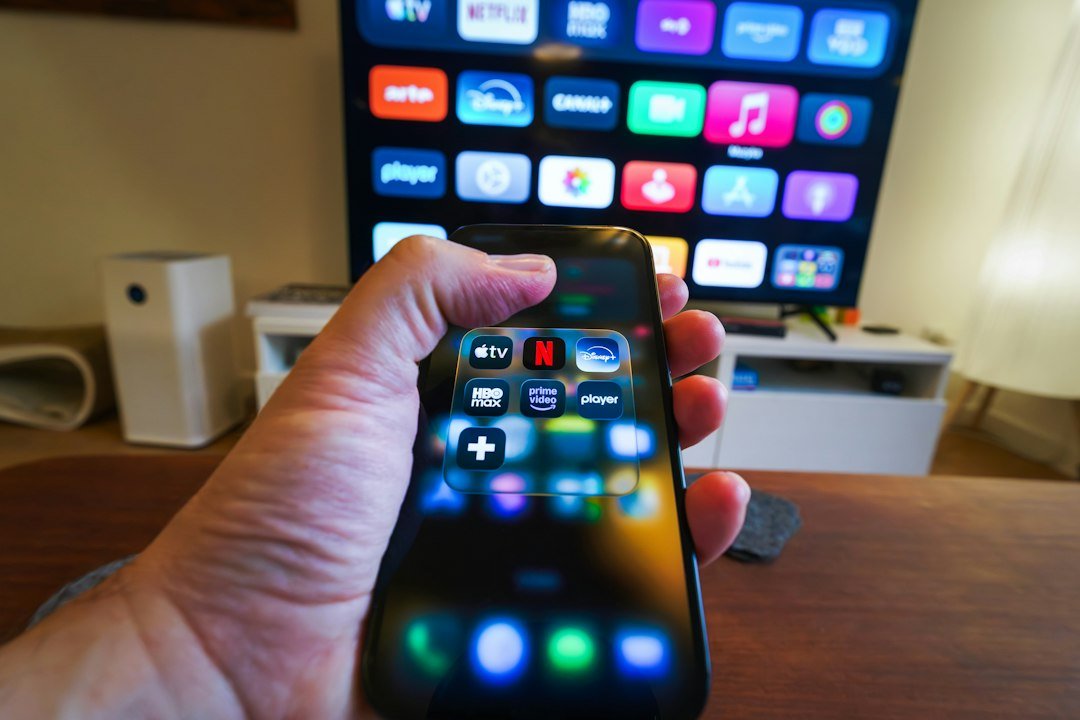
Android TV vs Google TV: quick comparison
| Feature | Android TV | Google TV |
|---|---|---|
| Underlying platform | Android TV OS | Built on Android TV OS |
| Home screen | More app-focused | More content-focused |
| Recommendations | Available, generally simpler | More prominent and personalized |
| User profiles | Depends on device/version | More central to the experience |
| Apps | Google Play ecosystem | Google Play ecosystem |
| Google Assistant | Supported on compatible devices | Supported on compatible devices |
| Best for | Users who prefer an app-first interface | Users who want stronger content discovery |
The short version: you should not choose a device solely because the box says Android TV or Google TV. Hardware quality, update support, storage, connectivity and certification often matter more.
What is Android TV?
Android TV is Google’s television operating-system platform designed for TVs, streaming boxes and media players. Instead of using the phone-style Android interface, it provides a remote-friendly experience built for the big screen.
On a typical Android TV device, you can install compatible streaming apps, use voice features, cast supported content and organize apps on the home screen. The exact experience varies because manufacturers can customize parts of the interface and hardware.
If you are new to external streaming hardware, our guide to what a TV box is and how it works explains the basics first.
What is Google TV?
Google TV is best understood as a newer Google-designed experience that runs on top of the Android TV platform. It does not mean that Google abandoned Android underneath. Instead, Google TV changes how content is presented and discovered.
The home screen puts movies, shows and recommendations ahead of a simple grid of apps. The idea is that you choose what you want to watch first and worry less about which app contains it.
That approach can be convenient when you subscribe to several streaming services, although the usefulness of recommendations depends on your region, subscriptions and viewing habits.
1. The home screen is the biggest everyday difference
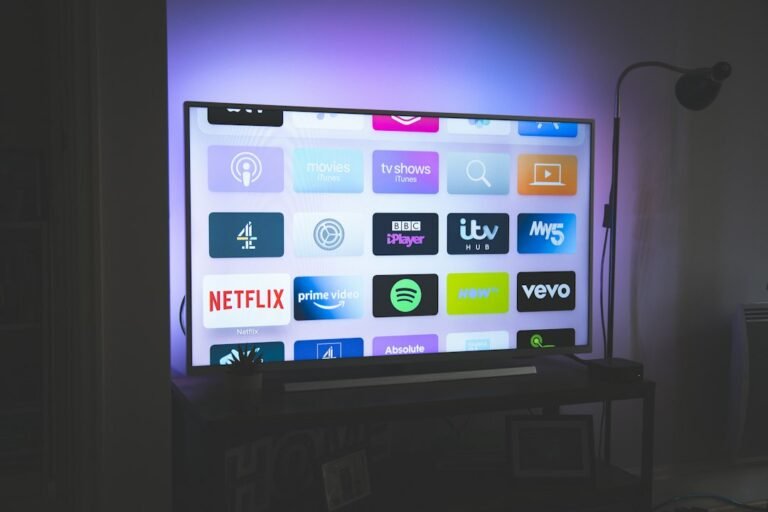
Traditional Android TV interfaces tend to feel more app-centric. You open Netflix, YouTube or another service and then browse inside that app.
Google TV tries to aggregate entertainment on the home screen. Recommendations, watchlists and titles from multiple supported services can appear before you open an individual app.
Neither approach is automatically better. If you already know which app you want, a straightforward app launcher can feel cleaner. If you regularly jump between services, Google TV’s discovery layer can be more useful.
2. Apps are broadly similar
One of the most important points for buyers is that Google TV and Android TV belong to the same broader app ecosystem. On properly supported devices, you’ll generally find the major streaming applications you would expect.
However, app availability can vary by country, device certification and hardware. Before buying an inexpensive box, verify the apps that matter to you instead of assuming every Android-based device provides the same experience.
This distinction is particularly important with generic boxes that run tablet-style Android rather than certified Android TV software.
3. Performance depends more on hardware than the name
A Google TV device is not automatically faster than an Android TV device. Processor performance, RAM, storage speed, available free space, Wi-Fi quality and software optimization all affect responsiveness.
A well-optimized older Android TV box can feel better than a low-end Google TV device with weak hardware. If your current device already feels sluggish, try our 12 practical ways to make a Smart TV faster before replacing it.
4. Recommendations and personalization
Google TV puts greater emphasis on recommendations. It can organize suggested movies and shows around the services and viewing experience available on the device.
For households, profiles can also help separate recommendations where the feature is supported. This is useful when different people have very different viewing habits.
If you dislike recommendation-heavy home screens, however, this can feel busier than a simpler app-first layout.
5. Voice control and casting
Both platforms can support Google’s voice and casting ecosystem, depending on the specific device. That means the Android TV versus Google TV label alone should not be your deciding factor for these features.
Instead, check the exact model specifications. Manufacturers can differ in remote design, microphone support, casting implementation and software updates.
6. Updates matter more than many buyers realize
Software support is one of the most overlooked parts of choosing a streaming device. A cheap box with impressive specifications is less attractive if it receives few security or system updates.
When comparing devices, consider the manufacturer’s reputation for updates alongside RAM and processor specifications. Mainstream certified devices also tend to provide a more predictable experience with major streaming services.
7. What should you look for in a TV box in 2026?
Whether it uses Android TV or Google TV, focus on the complete device. Useful buying criteria include:
- Certification: important for reliable access to major streaming apps and supported playback features.
- 4K support: relevant if you have a 4K television and compatible streaming subscriptions.
- HDR formats: check compatibility with your television and the services you use.
- RAM and processor: stronger hardware generally improves navigation and multitasking.
- Storage: very small internal storage can become frustrating after installing apps.
- Wi-Fi: good wireless connectivity matters for high-resolution streaming.
- Ethernet: useful when you want a stable wired connection.
- Update policy: longer support can extend the useful life of the device.
For concrete options, see our guide to the best Android TV boxes in 2026.
Android TV vs Google TV vs Fire TV
Amazon’s Fire TV is a separate ecosystem with its own interface and Amazon-focused services. It competes for the same job—turning a television into a streaming hub—but the user experience and app ecosystem are organized differently.
If you are deciding between these device families rather than just Google’s two interfaces, read our detailed Android TV Box vs Fire TV Stick comparison.
If you are choosing hardware as well as software, compare our best Android TV boxes for 2026. For an alternative platform, see our Fire TV Stick 4K guide.
Which one should you choose?
Consider Google TV if you like a modern content-first home screen, use several streaming services and value recommendations and integrated discovery.
Consider Android TV if you find a good supported device at the right price and prefer a more traditional app-focused experience.
But don’t reject an otherwise excellent device simply because it uses one interface rather than the other. In 2026, the smarter buying decision is usually based on the specific model: performance, certification, app compatibility, connectivity, update support and price.
Already have an Android TV or Google TV device?
Good setup and network conditions can make a major difference. Start with our step-by-step Android TV box setup guide. If streams pause or stutter, use our Android TV and Google TV buffering fixes.
Frequently asked questions
Is Google TV replacing Android TV?
Google TV uses Android TV technology underneath, so the names should not be treated as two completely unrelated operating systems. Google TV represents Google’s newer content-focused television experience on compatible devices.
Can Android TV apps work on Google TV?
They share the same broader Android TV app ecosystem, but actual app availability still depends on the device, region and developer support.
Is Google TV faster than Android TV?
Not necessarily. Speed depends heavily on the hardware and software optimization of the specific television or streaming device.
Do I need a Google account?
Google-powered TV platforms are designed around Google services, and some features require an account. Available setup options can differ by device and software version.
Which is better for Netflix and YouTube?
Both can provide a strong experience on compatible, certified hardware. Check the specific device’s app support, video-resolution capabilities and certifications rather than relying only on the Android TV or Google TV label.
Final thoughts
Android TV and Google TV are much closer than their names suggest. Google TV builds a more content-driven interface on the Android TV foundation, while traditional Android TV devices often emphasize apps more directly.
For buyers, the logo on the home screen should be only one part of the decision. Choose a device with reliable hardware, the apps you actually use, good connectivity and solid software support. Those factors will have a bigger impact on your everyday streaming experience.
1 comment
Share your experience, ask a question or add a useful tip for other Box4TV readers.