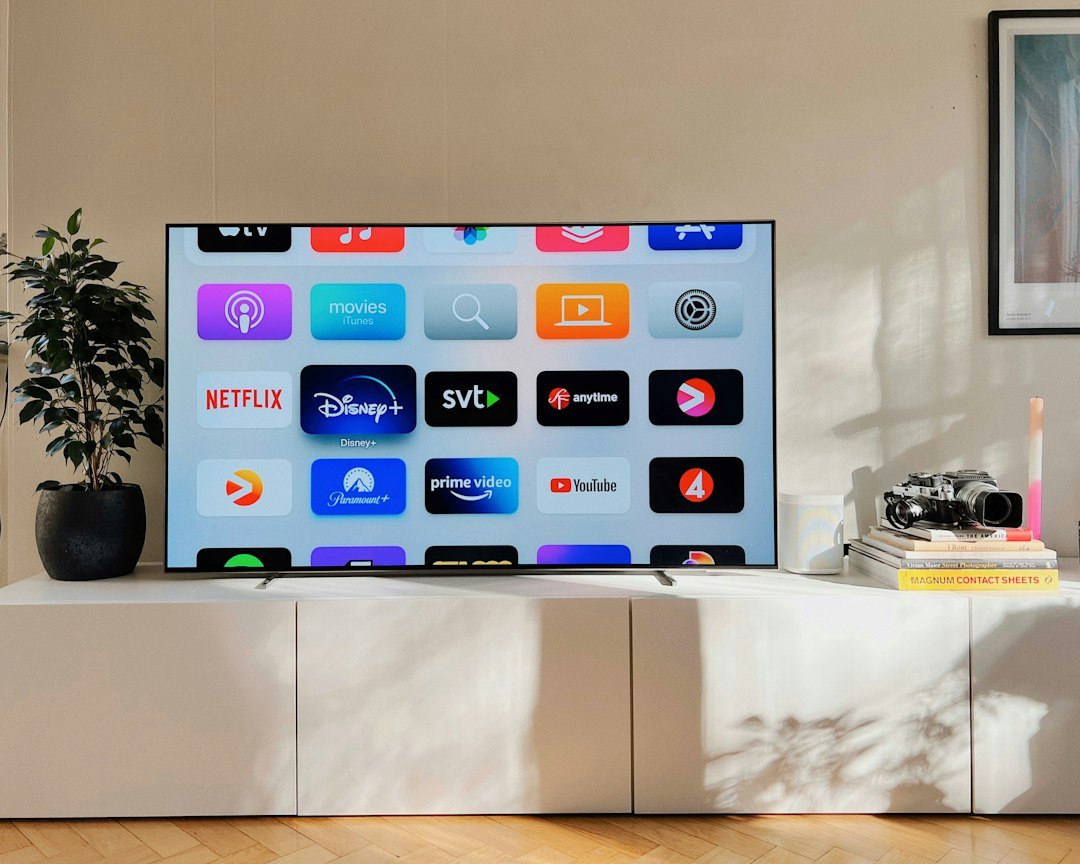
If you have an older television, want more streaming apps, or simply want a faster and more flexible TV experience, a TV box can be one of the easiest upgrades you can make. But what exactly is a TV box, how does it work, and how is it different from a Smart TV or streaming stick?
This guide explains the basics in simple terms and helps you understand what to look for before choosing a device.
What Is a TV Box?
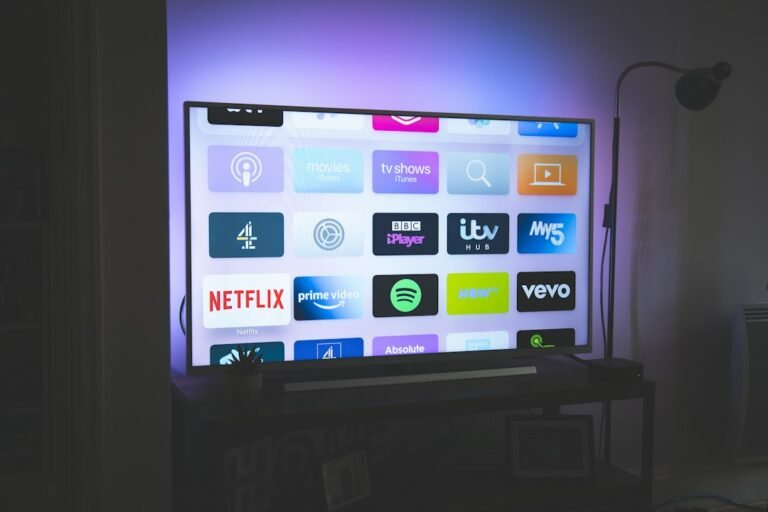
A TV box is a small device that connects to your television, usually through an HDMI port, and adds smart features such as streaming apps, internet access, media playback and app installation.
Instead of relying only on the software built into your TV, the box runs its own operating system and hardware. Once connected, you control it with a remote and use your television as the display.
You may also see these devices described as smart TV boxes, Android TV boxes, streaming boxes or media players. The exact features depend on the model and operating system.
How Does a TV Box Work?
The setup is usually straightforward:
- Connect the TV box to your television with HDMI.
- Connect the power adapter.
- Join your home Wi-Fi network or use Ethernet if the device supports it.
- Sign in to the required accounts.
- Install or open your preferred streaming and media apps.
The TV box then handles the apps, menus and video playback, while the TV mainly acts as the screen and speakers.
What Can You Do With a Smart TV Box?
Depending on the device, a TV box can be used for much more than watching one streaming service. Common uses include:
- Watching services such as YouTube and supported streaming platforms.
- Installing apps from the device’s official app store.
- Playing local video, music and photo files.
- Casting or mirroring content from compatible phones and tablets.
- Using voice search on supported remotes.
- Connecting Bluetooth headphones, controllers or keyboards.
- Streaming 4K video when the device, television and service all support it.
TV Box vs Smart TV: What Is the Difference?
A Smart TV already has apps and an operating system built into the television. A TV box adds a separate smart platform through HDMI.
A box can be useful when your TV’s built-in system feels slow, no longer receives certain app updates, or does not offer the apps and features you want. It can also make it easier to upgrade the streaming experience without replacing the entire television.
| Feature | Smart TV | TV Box |
|---|---|---|
| Smart software | Built into TV | Separate device |
| Upgradeability | Usually limited | Replace the box |
| Apps | Depends on TV platform | Depends on box platform |
| Hardware | Fixed with television | Independent hardware |
| Cost to upgrade | Potentially a new TV | Usually much lower |
TV Box vs Streaming Stick
Streaming sticks and TV boxes do similar jobs, but the physical design and hardware can differ.
A stick is designed to be compact and plug directly into an HDMI port. A box usually sits near the television and may offer more ports, storage options or wired networking, depending on the model.
If you want the simplest streaming setup, a stick may be enough. If you want additional connectivity, local media playback or more flexible hardware, a box may make more sense.
What Is an Android TV Box?
An Android TV box is a streaming device based on Google’s TV ecosystem. Some models use Android TV, while newer devices may use the Google TV interface on top of the same general platform.
These devices are popular because they can combine streaming apps, casting, voice features and access to a large app ecosystem in one small device.
However, not every generic box advertised as an “Android box” offers the same experience. Certification, software support and streaming-service compatibility can vary significantly, so the operating system name alone should not be your only buying criterion.
What Should You Look for Before Buying a TV Box?
1. Official app and streaming support
Check that the apps you actually use are officially supported. This is more important than a long list of advertised specifications.
2. 4K and HDR support
If you own a 4K television, choose a device capable of 4K output. HDR formats can also matter if your television supports them.
3. Performance
A faster processor and enough memory can make menus, app switching and general navigation feel smoother. Specifications are useful, but software optimization matters too.
4. Wi-Fi and Ethernet
Stable networking is essential for streaming. Good Wi-Fi may be enough for most homes, while Ethernet can be useful when your router is close to the TV or wireless performance is inconsistent.
5. Ports
USB ports, Ethernet, audio outputs and expandable storage can be important if you plan to connect accessories or play local media.
6. Software updates
Choose brands with a reasonable history of software support. Updates can improve security, app compatibility and reliability over time.
Do You Need a TV Box If You Already Have a Smart TV?
Not necessarily. If your Smart TV is fast, supports your preferred apps and still receives updates, an additional device may not provide much benefit.
A TV box becomes more useful when the built-in TV software is slow, limited or outdated, or when you want a different platform without replacing the television.
Which Type of TV Box Should You Choose?
The best choice depends on how you use your television:
- For simple streaming: prioritize ease of use and official app support.
- For 4K viewing: look for reliable 4K output, HDR support and strong networking.
- For local media: consider USB ports, storage support and broad media-format compatibility.
- For a flexible Google-based experience: Android TV or Google TV devices are worth considering.
- For an older television: almost any modern certified streaming device can make a major difference if the TV has HDMI.
TV Box Buying Guide: Where to Go Next
If you already understand what a TV box is and want to compare actual devices, read our Best Android TV Boxes in 2026 guide. It compares several options and explains which features matter for different types of users.
Frequently Asked Questions
Does a TV box work with any television?
Most modern TV boxes work with televisions that have a compatible HDMI input. You should still check resolution and connection requirements before buying.
Does a TV box need internet?
For online streaming and app downloads, yes. Some devices can also play local files without an active internet connection.
Is a TV box the same as a Smart TV?
No. A Smart TV has its smart platform built in. A TV box is a separate device that adds or replaces smart features through an HDMI connection.
Can a TV box make an old TV smart?
Yes, provided the television has the required video connection, typically HDMI. The box supplies the apps and smart interface while the TV displays the content.
Is an Android TV box better than a streaming stick?
Neither format is automatically better. A stick is compact and simple, while a box may provide more ports, connectivity or flexibility. The best option depends on your needs and the specific model.
4 comments
Share your experience, ask a question or add a useful tip for other Box4TV readers.