Choosing a streaming device in 2026 can be surprisingly difficult. Roku, Amazon Fire TV and Google TV can all turn a television into a powerful streaming hub, but they differ in interface, features, HDR support and ecosystem integration.
This guide explains the practical differences so you can choose a device that fits your TV and the way you actually watch content. If you are still deciding between platform families, our Android TV vs Google TV guide explains how Google’s two TV experiences differ.
Why use a dedicated streaming device?
Even if your television already includes smart apps, an external streaming player can provide a newer interface, broader app support and a more convenient remote. It can also extend the useful life of an older television. If performance is the main problem rather than missing apps, try these 12 ways to make a Smart TV faster before replacing your hardware.

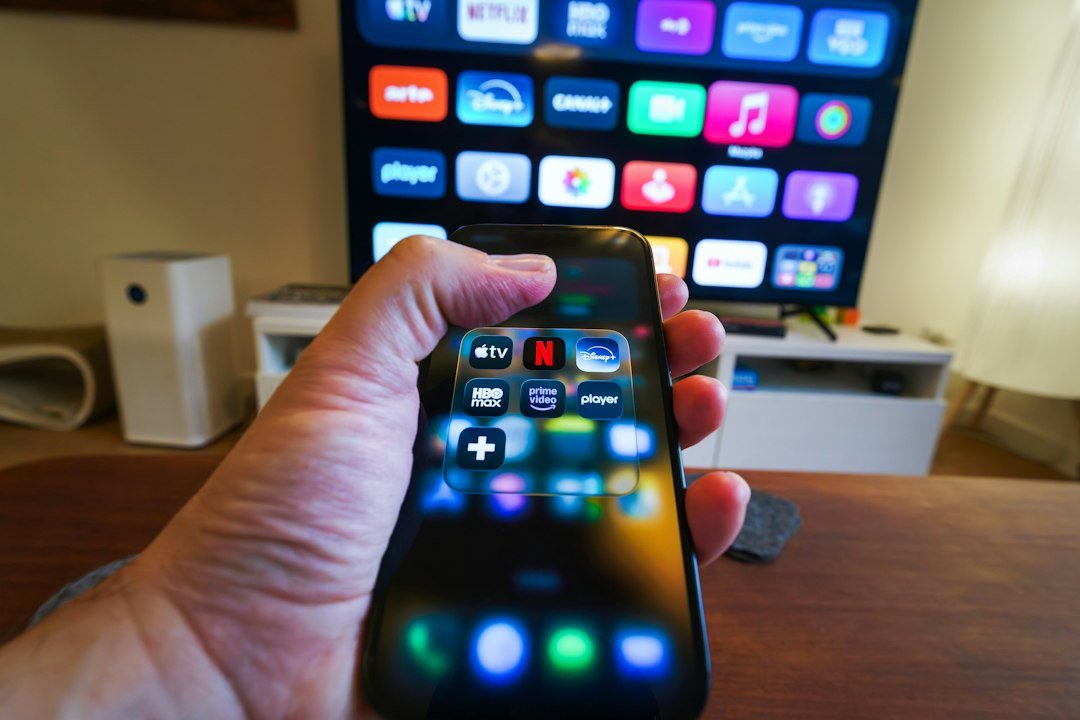
Google TV: a feature-rich experience
Google TV is especially attractive for households already using Google services. Modern Google TV devices emphasize universal search, recommendations and smart-home integration. The platform supports major streaming apps and is designed to make content discovery easier across multiple services.
The Google TV Streamer also supports 4K playback and major HDR formats including Dolby Vision, HDR10 and HDR10+.
Roku: simple and focused on streaming
Roku’s official support documentation covers setup and display configuration, while Roku remains appealing because its interface is straightforward. Apps are presented prominently without requiring users to navigate through complicated menus. The Streaming Stick 4K supports 4K, HDR10+ and Dolby Vision, while its compact design stays largely hidden behind the television.
Amazon Fire TV: strong Alexa integration
Amazon’s Fire TV range combines mainstream streaming apps with Alexa voice controls. It makes particular sense for viewers who already use Prime Video, Alexa speakers or other Amazon services. For a deeper look at the hardware, see our Amazon Fire TV Stick 4K review and setup guide.
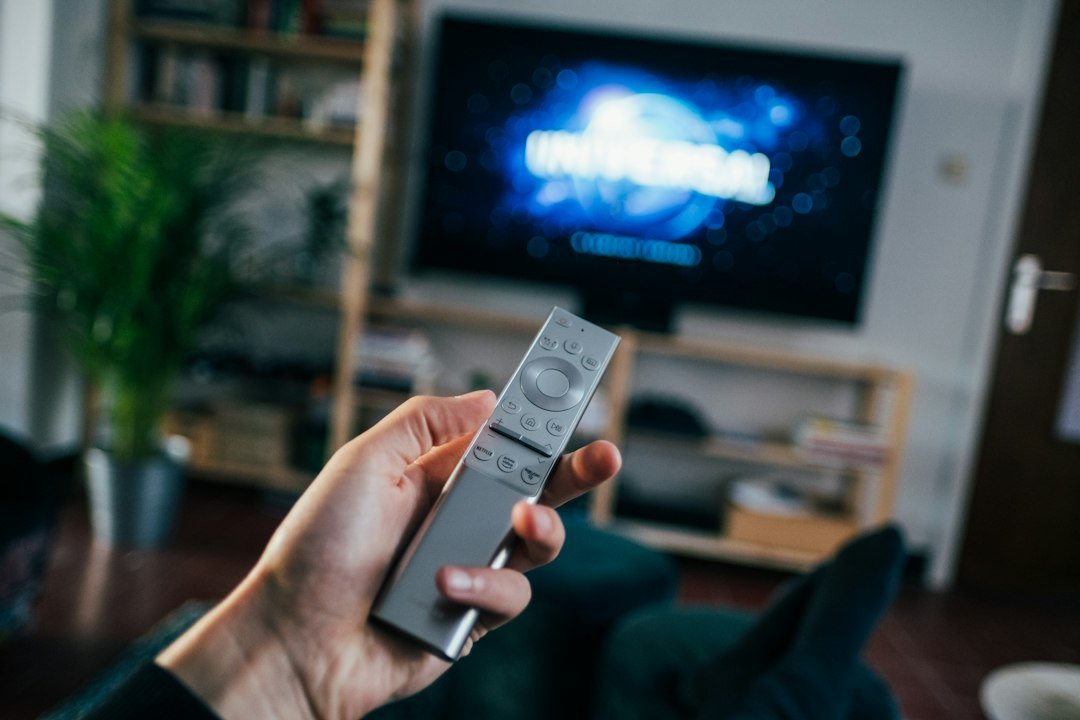
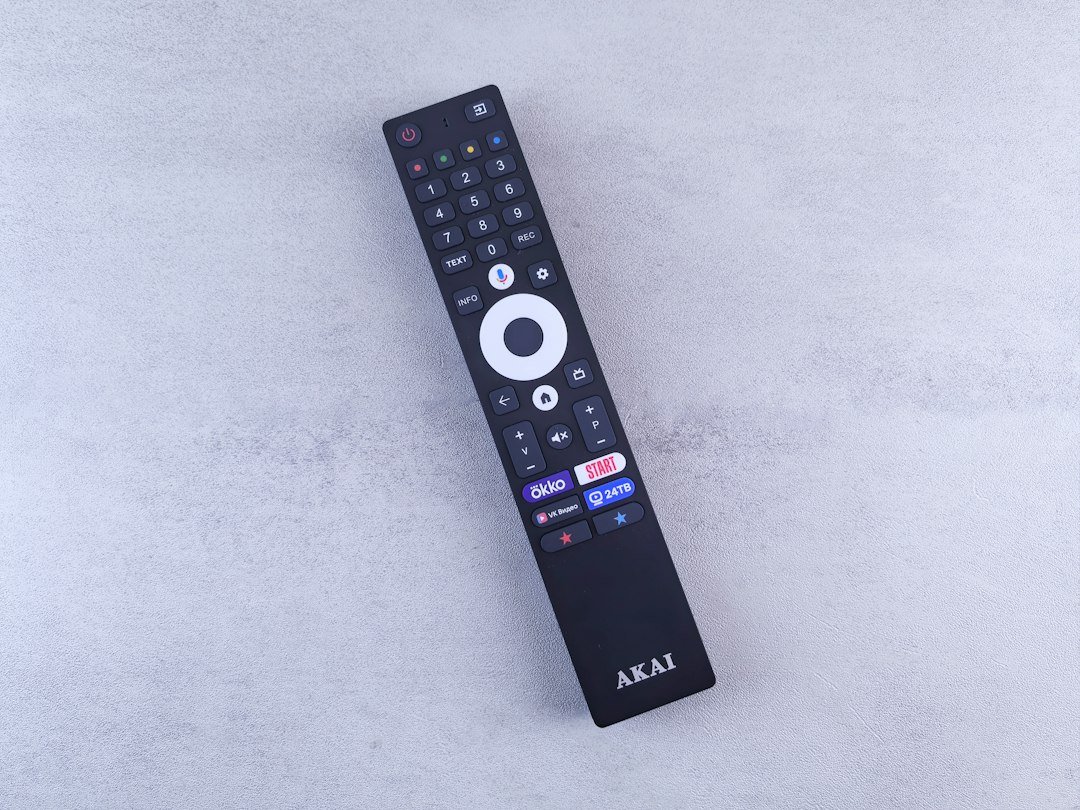
Roku vs Fire TV vs Google TV: what matters?
Instead of choosing only by brand, check your television and priorities. For a 4K television, look for 4K output and the HDR formats supported by your TV. Dolby Vision can matter on compatible displays, while Wi-Fi quality can have a larger impact on everyday streaming than small specification differences.
Interface preference matters too. Roku emphasizes simplicity, Fire TV integrates closely with Amazon services, and Google TV places more emphasis on recommendations, search and the Google ecosystem.
What about an older TV?
A streaming stick is one of the easiest ways to modernize an older television that still has a usable HDMI input. Before buying, confirm the maximum resolution of the TV. Paying extra for a 4K device will not make a 1080p panel display native 4K, although buying a newer player can still make sense if you expect to replace the TV later.
If you are leaning toward a dedicated Android-based player rather than a stick, our Android TV box setup guide covers the full installation process. You can also compare the form factors directly in Android TV Box vs Fire TV Stick.
Final checklist before choosing
- Check whether your TV is 1080p or 4K.
- Check HDR and Dolby Vision compatibility.
- Make sure the streaming services you use offer apps for the platform.
- Consider whether you prefer Alexa, Google services or a simpler Roku-style interface.
- Use a stable Wi-Fi connection for high-resolution streaming.
Bottom line
There is no single streaming platform that fits every household. Roku prioritizes a simple streaming experience, Fire TV fits naturally into Amazon’s ecosystem, and Google TV offers powerful discovery and smart-home features. Matching those strengths to your television and existing services is more useful than buying solely on specifications.

2 comments
Share your experience, ask a question or add a useful tip for other Box4TV readers.