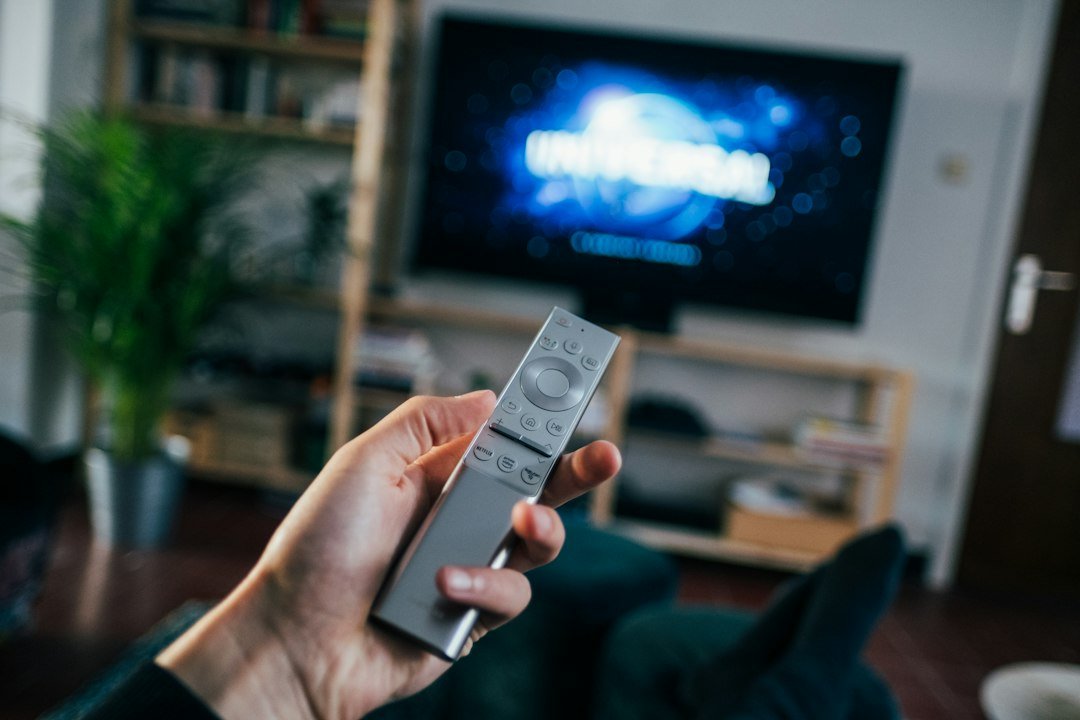
Choosing an Android TV box in 2026 can be confusing. Product pages often highlight 4K resolution, large amounts of RAM and storage, but those numbers do not tell you whether a box will deliver reliable streaming, proper app compatibility or long-term software support.
This Android TV box buying guide covers the 10 checks that matter most before you spend your money, whether you want Netflix and YouTube, 4K movies, live TV apps or simply a faster way to make an older television smarter.
Quick checklist: what to look for in an Android TV box
- Play Protect certification and legitimate Google services
- Support for the streaming apps you actually use
- 4K, HDR and audio compatibility
- Enough RAM for smooth everyday use
- A sensible amount of internal storage
- Reliable Wi-Fi or Ethernet
- The ports your setup requires
- A practical remote control
- A credible update and security policy
- Hardware that matches your real needs rather than marketing numbers
1. Check certification before specifications
Certification should be one of your first checks. Google says Play Protect certified devices are tested for compatibility and security and that Google apps pre-installed on certified devices are verified as authentic. Google also warns that on a device that is not Play Protect certified, Google apps and the Play Store may not work as intended.
This matters because a generic product advertised as an “Android box” is not automatically equivalent to a properly certified Android TV or Google TV streaming device. Before buying, check the manufacturer’s documentation rather than relying only on the marketplace title.
2. Verify Netflix, YouTube and other app compatibility
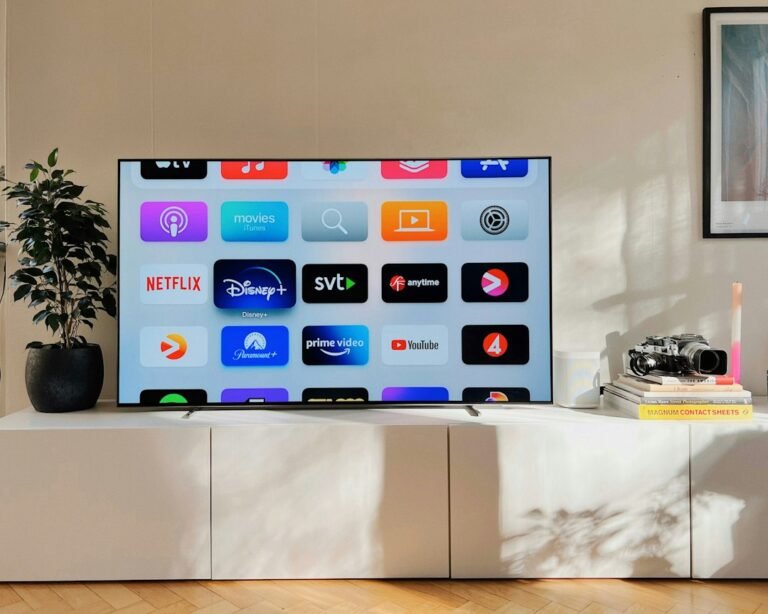
Make a short list of the services you use most. Netflix, YouTube, Prime Video, Disney+ and other platforms can have device-specific requirements. A box being able to install an app does not automatically guarantee every resolution or feature supported by that service.
If mainstream streaming is your priority, official app support should usually carry more weight than an unusually high RAM or storage figure on an unknown device.
3. Decide whether you really need 4K
If your television is 1080p, paying extra purely for 4K output may provide little immediate benefit. If you own a 4K television, choose a box that officially supports 4K playback and verify compatibility with the services you intend to watch.
Google’s current guidance says 4K UHD playback requires a compatible 4K Google TV or Android TV device as well as sufficient internet bandwidth. Resolution therefore depends on the whole chain: the content, streaming service, box, connection and television.
4. Look beyond the 4K label: HDR and audio matter
Two boxes advertised as 4K can provide different home-theater capabilities. Check support for formats relevant to your television, such as HDR10, HDR10+ or Dolby Vision, and check audio compatibility if you use a soundbar or AV receiver.
Google notes that HDR10, HDR10+ and Dolby Vision playback depends on compatible 4K content and hardware. Do not assume that seeing “4K” on a product listing means every HDR format is included.
5. How much RAM does an Android TV box need?
RAM affects multitasking and how comfortably the system can keep apps available. More RAM can help, but it should not be considered in isolation. Processor performance, software optimization and the operating system also affect responsiveness.
A useful real-world reference is Google’s own streaming hardware: the Google TV Streamer (4K) uses 4 GB of RAM, while earlier Chromecast with Google TV models used less. That does not mean every buyer needs 4 GB, but it shows why RAM should be considered alongside the complete hardware and software package.
6. Do not ignore storage
Internal storage is used by the operating system, apps, updates and cached data, so the advertised capacity is not the same as the space available after setup. If you expect to install many apps or games, extra storage can make a meaningful difference.
For viewers who mainly use a handful of streaming apps, reliability and software support can be more important than buying the device with the largest storage number.
7. Compare Wi-Fi and Ethernet
A powerful box cannot compensate for an unstable network. Consider the distance between your router and television, congestion in your home and whether you regularly stream high-bitrate 4K content.
Ethernet can provide a predictable wired connection when your TV setup is close enough to the router or a wired network point. Wi-Fi is more convenient and can work extremely well with suitable hardware and good signal quality. Google TV setup itself supports Wi-Fi or Ethernet depending on the device.
8. Check HDMI, USB and other ports
Think about your complete setup before ordering. An HDMI connection is fundamental for modern streaming boxes, while USB ports, Ethernet, expandable storage or external audio connectivity may matter depending on your accessories.
Do not buy ports simply because they look impressive on a specification sheet. Buy the connectivity you can identify a real use for.
9. Pay attention to the remote
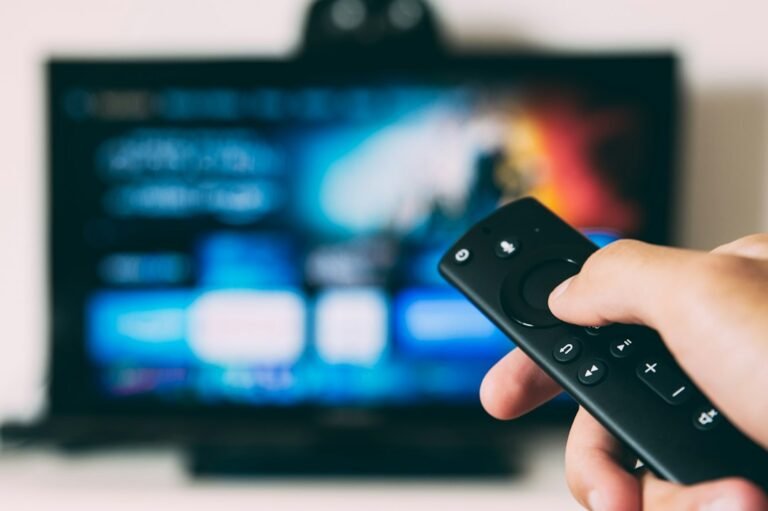
The remote is the part of the box you interact with every day. Button layout, voice search, Bluetooth reliability, TV power and volume controls, and shortcut buttons can make a bigger practical difference than minor specification changes.
If several people use the television, a straightforward remote and a polished TV interface are particularly valuable.
10. Check software updates and manufacturer reputation
A TV box is an internet-connected computer attached to your television. Security patches, operating-system updates and continued app compatibility matter. Prefer manufacturers that provide clear product documentation and have an identifiable history of supporting their streaming devices.
Google states that Play Protect certified devices are tested against Android security and permissions requirements and include Google Play Protect. Certification does not replace manufacturer support, but it is a useful baseline when comparing devices.
Android TV Box specifications: what matters most?
| Feature | What to check | Why it matters |
|---|---|---|
| Certification | Play Protect / official platform support | Security and app compatibility |
| Resolution | 1080p or 4K | Match your television and content |
| HDR | HDR10, HDR10+, Dolby Vision as needed | Picture quality on compatible TVs |
| RAM | Enough for your workload | Responsiveness and multitasking |
| Storage | Usable space after system files | Apps, games and updates |
| Network | Good Wi-Fi and/or Ethernet | Stable streaming |
| Updates | Manufacturer support history | Security and longevity |
Cheap Android TV boxes: what should you avoid?
Be cautious when a very cheap box promises unusually large specification numbers without clearly identifying its certification, processor, operating system, manufacturer or supported streaming services. A low price is not automatically a problem; missing verifiable information is.
Also distinguish between Android designed for phones or tablets and a proper TV-oriented platform. Remote navigation, app interfaces and streaming compatibility can differ significantly.
Should you buy Android TV or Google TV?
The interface name should not be your only deciding factor. Google TV and Android TV are closely related, but individual devices vary in hardware and support. For a deeper comparison, read our Google TV vs Android TV Box guide.
Frequently asked questions
Is 4 GB RAM enough for an Android TV box?
For mainstream streaming, 4 GB is a substantial amount of RAM for a TV device, but RAM alone does not determine performance. Processor quality, software optimization and storage performance also matter.
Do I need Ethernet for a TV box?
No. Good Wi-Fi can be sufficient for streaming. Ethernet is useful when you want a stable wired connection or have unreliable Wi-Fi near your television.
Can an Android TV box make an old TV smart?
Yes, provided the television has the appropriate HDMI connection and can display the output from the streaming device. A streaming box can add apps and internet-connected TV features without replacing the television.
What is the most important thing to check before buying?
Start with certification and compatibility with the streaming services you actually use. Then compare picture formats, network connectivity, hardware, storage and update support.
Final buying advice
The best Android TV box is not necessarily the one with the biggest numbers on its product page. Choose a device that is properly supported, works with your streaming services, matches your television and network, and offers enough performance and storage for the way you actually watch TV.
Once those essentials are covered, features such as additional ports, voice controls and premium HDR or audio formats can help you narrow down the final choice.
2 comments
Share your experience, ask a question or add a useful tip for other Box4TV readers.