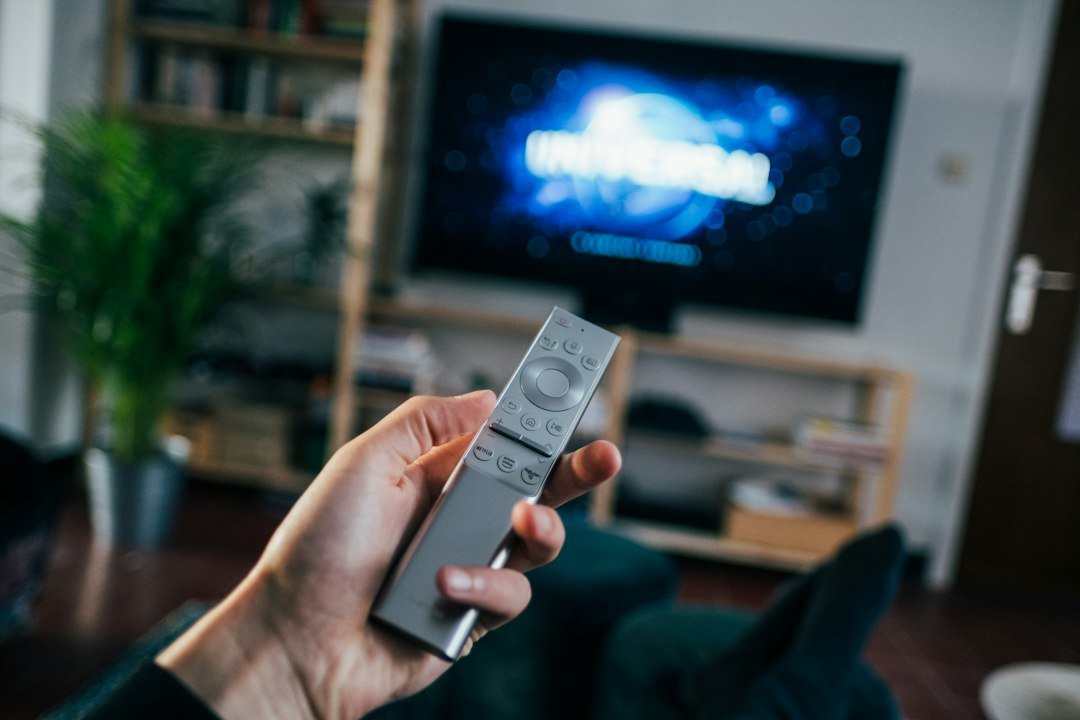
Shopping for an Android TV box can be confusing because the price can range from budget-level devices to premium streaming hardware. Paying more does not automatically mean you will get a better experience. The right choice depends on resolution, RAM, storage, connectivity, software support, and the streaming apps you actually use.
What Is a Good Android TV Box Price in 2026?
For most buyers, it makes sense to think in three broad price ranges rather than looking for one perfect number. Prices change frequently by retailer and country, so treat these ranges as a buying framework rather than fixed retail prices.
Under $40: Budget Streaming
Budget devices are suitable for a secondary television or basic streaming. In the U.S., Walmart currently lists its 2026 onn. 4K Google TV streaming device at $39.98, with 2 GB of RAM and 8 GB of storage. That shows how capable 4K hardware can now appear around the $40 level.
At this price, prioritize certified streaming support, stable Wi-Fi, a usable remote, and enough memory for your normal apps. Extremely cheap generic boxes can look attractive on paper but may have weaker software support.
$40–$80: The Sweet Spot for Many Buyers
This range often adds better hardware, more storage, Dolby features, improved remotes, or stronger connectivity. Walmart, for example, lists an onn. 4K Plus model at $49.98 and its 4K Pro model at $59.98. These prices can change, but they illustrate how a relatively small price increase can unlock useful upgrades.
If your main goal is Netflix, YouTube, Prime Video, Disney+ and other mainstream services, this is often the range worth comparing most carefully.
$100+: Premium Streaming Devices
Premium devices can make sense when you want faster navigation, more memory and storage, Ethernet, smart-home integration, or longer-term platform support. Google’s current U.S. listing for the Google TV Streamer (4K) is $149.99. Google specifies 4 GB of memory, 32 GB of storage, Gigabit Ethernet, Dolby Vision and up to 4K HDR at 60 fps.
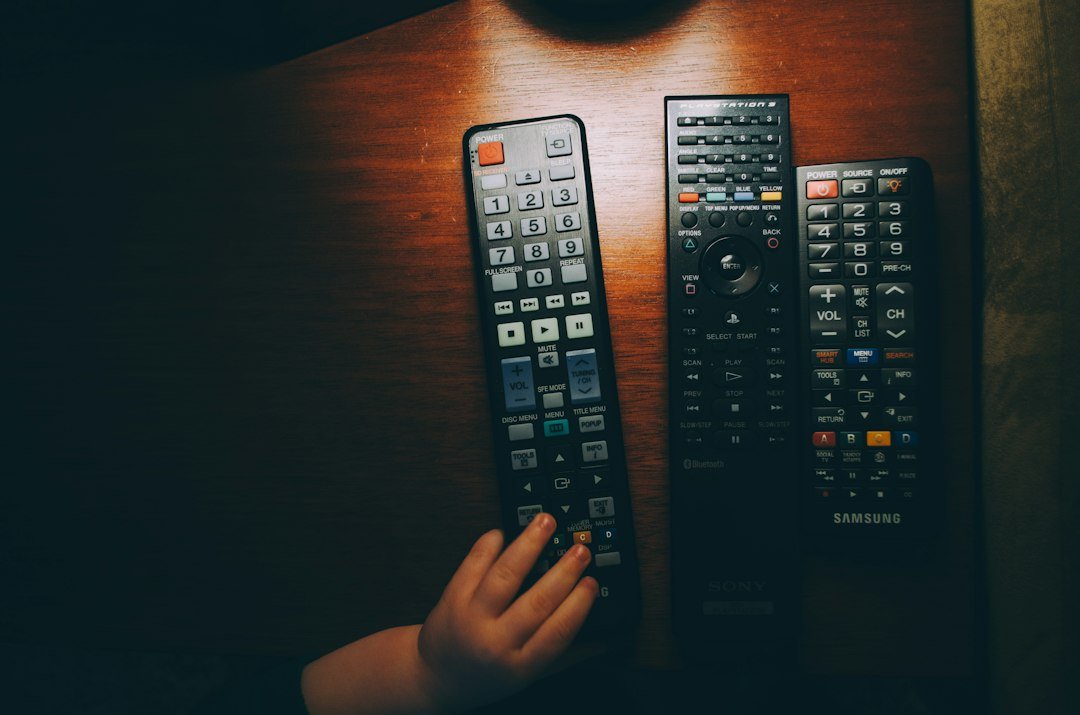
What Actually Determines the Price?
Do not compare TV boxes by price alone. Check these features before buying:
- Resolution: choose 4K if you own a 4K television.
- RAM: more memory generally helps when navigating apps and multitasking.
- Storage: 8 GB can become restrictive if you install many apps; 16 GB or 32 GB gives you more room.
- Wi-Fi and Ethernet: network quality can matter more than raw processor specifications for streaming.
- HDR and audio formats: Dolby Vision, HDR10+ and Dolby Atmos matter only if your TV and audio setup support them.
- Software certification: verify support for the streaming services you intend to use.
- Updates: a known platform with reliable updates is usually a safer long-term purchase.
Is a Cheap Android TV Box Worth It?
It can be. A low price is not automatically a warning sign, especially when the device comes from a major retailer or established platform. The important question is what compromises were made to reach that price.
A cheap box becomes poor value if it has slow software, unreliable Wi-Fi, very limited storage, missing streaming certifications, or no meaningful update support. Spending another $10–$30 can be worthwhile if it fixes those limitations.
Should You Pay More for 4K?
If your television supports 4K, buying a 4K-capable streamer usually makes sense today because affordable 4K options are widely available. If you use an older 1080p TV, however, paying extra purely for 4K output will not improve the panel’s native resolution.
If you are still comparing hardware, read our Android TV box buying guide and our guide explaining how much RAM an Android TV box really needs.
Price vs RAM and Storage
RAM and storage are two of the easiest specifications to compare. A basic device with 2 GB RAM can handle ordinary streaming, while higher-end hardware may feel smoother and keep more applications available. Storage matters if you install many apps or games.
For context, Google’s premium TV Streamer includes 4 GB RAM and 32 GB storage, while Walmart’s $39.98 onn. 4K device lists 2 GB RAM and 8 GB storage. The large price difference is therefore paying for more than resolution alone.
How to Avoid Overpaying
- Decide whether you need 1080p or 4K.
- List the streaming apps you use most.
- Check RAM, storage and connectivity.
- Confirm HDR and audio support only if your setup can use them.
- Compare the current price with at least two similar devices.
- Look at software support, not just the hardware specification sheet.
You can also compare the wider market in our best streaming devices guide for 2026, including Roku, Fire TV and Google TV options.
How Much Should You Spend?
For a simple secondary TV, an entry-level device can be enough. For a main 4K television, a well-supported device around the middle of the market is often more practical. Premium prices make more sense when you specifically need extra storage, Ethernet, faster hardware, advanced home integration, or premium video and audio features.
The best Android TV box price is therefore not necessarily the lowest one. It is the lowest price that gives you the performance, app compatibility and features you actually need.
FAQ
What is the average Android TV box price?
There is no single average because devices range from inexpensive streaming sticks to premium boxes. A useful shopping approach is to compare sub-$40 entry models, roughly $40–$80 mid-range hardware, and premium devices above $100.
Can I get a good 4K streaming box for under $50?
Yes. Current U.S. retail listings include 4K Google TV hardware below $50, although prices and availability can change.
Is an expensive TV box always faster?
No. Higher prices can bring more RAM, storage and connectivity, but performance also depends on software optimization and the processor. Compare specifications and platform support before buying.
How much RAM should I look for?
For ordinary streaming, 2 GB can be workable. More RAM is useful for smoother multitasking and heavier use, particularly if the price difference is reasonable.
Prices mentioned in this guide were checked in October 2026 and may change. Always verify the retailer’s current listing before purchasing.

Join the discussion
Share your experience, ask a question or add a useful tip for other Box4TV readers.